How do I know if I have the TAG Transceiver installed?
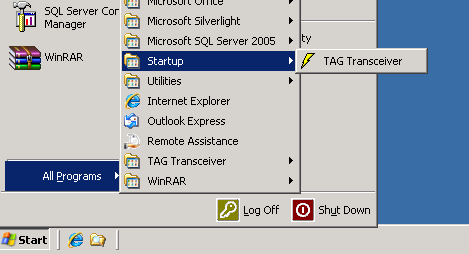
- Click Start -> All Programs -> Startup
- If you have an entry in the Startup folder for TAG Transceiver (shown below) then you are running the TAG Transceiver.
How do I restart the TAG Transceiver?
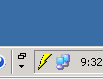
- Find the lightning bolt in the system tray
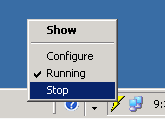
- Right Click on the lightning bolt and select Stop
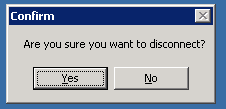
- Click Yes to the Confirm dialog
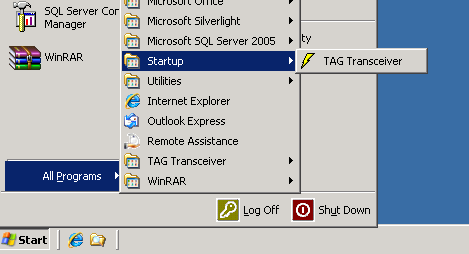
- Click Start -> All Programs -> Startup -> TAG Transceiver